Apps like Thumbtack: A practical alternatives guide for 2026
By Kiss János 14 min read
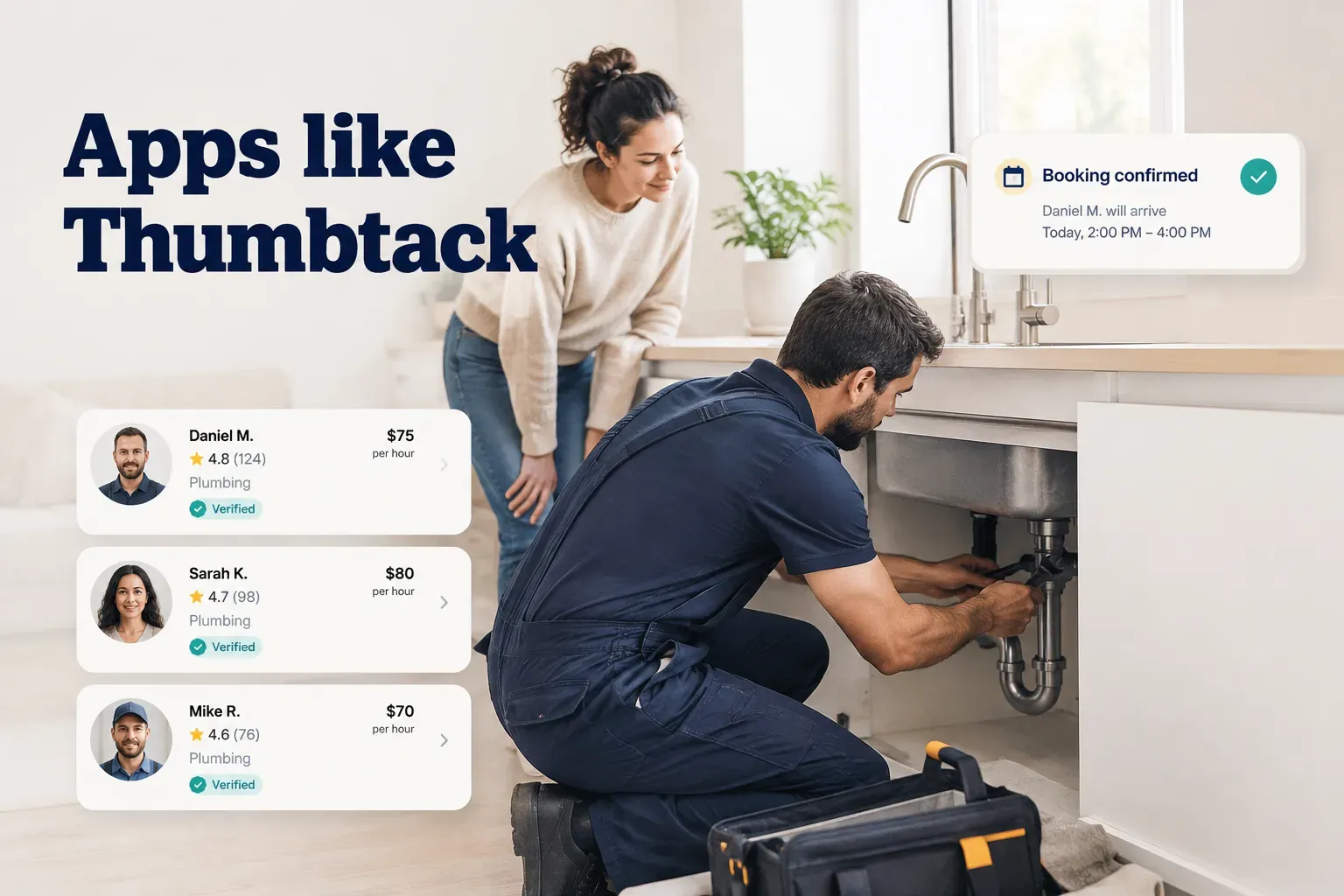
Finding the right local-service app isn’t about finding a list
Search “apps like Thumbtack” and you’ll get twenty articles naming the same fifteen platforms. Angi. TaskRabbit. Yelp. Porch. Handy. Nextdoor.
Most of those lists have a problem: they blend apps built for customers hiring help with apps built for providers buying leads, as if those are the same product. They’re not. A contractor comparing where to list services and a homeowner trying to get a bathroom quoted need completely different tools.
There’s a second problem. Naming competitors tells you nothing about how they work. Thumbtack is a quote marketplace: you describe a job, pros bid, you pick. That model is excellent for a kitchen remodel and genuinely annoying for a Saturday-morning couch move.
So this guide sorts apps by model rather than by brand. Five categories: quote marketplaces, instant-booking apps, task apps, directories, and all-service platforms.
The right one depends on four things. How urgent the job is, what category it falls into, whether the app actually has active providers in your area, and whether you want a price range or a confirmed appointment on the calendar.
We’ll cover both sides: customers hiring local professionals, and providers deciding which local service marketplace is worth their acquisition budget in 2026.
The five types of apps like Thumbtack
Every service app on your phone runs on one of five underlying models. Once you can spot which one you’re using, the frustrations make a lot more sense.
Quote-based marketplaces
This is the Thumbtack model, and it’s the one most people picture when they think of hiring online.
- How it works: You post a job with details and photos. Multiple providers review it and send back bids or price ranges. You compare, message, and hire.
- What it’s best for: Custom or complex work where no two jobs cost the same. Kitchen remodels, roof replacement, landscape design, deck builds, wedding photography packages.
- The tradeoff: It takes time. You’ll field messages from three to five pros, most of whom will want a site visit before committing to a number. Expect 24 to 72 hours before you have comparable quotes in hand.
- Who else uses it: Angi, Porch, HomeAdvisor-style platforms, and most wedding and event marketplaces all run variations of this quote marketplace structure.
Instant-booking apps
Instead of bidding, you see a price and a calendar.
- How it works: The platform sets or standardizes pricing, shows you real-time price estimates based on inputs like home size or service duration, and lets you book a confirmed slot on the spot.
- What it’s best for: Standardized and recurring services. House cleaning, lawn mowing, pest control, car detailing, massage, hair and nails, pet grooming.
- The tradeoff: Less negotiation and less customization. If your job has unusual conditions, the fixed price may not hold, and you’ll get a change order on site.
- Why people like it: No sales process. You book like you’d book a flight, and availability and scheduling are handled in the app.
Task and odd-job apps
Built for the jobs that are too small for a contractor and too big for you alone.
- How it works: You describe a short task, pick from available helpers, and pay by the hour or by flat task fee. TaskRabbit popularized this same-day task platform model.
- What it’s best for: Furniture assembly, hauling, moving a couch up three flights, TV mounting, waiting for a delivery, IKEA runs, light yard cleanup.
- The tradeoff: Hourly billing means the meter runs. Underestimate the job and the final bill drifts well past your mental budget.
- Speed: This is the category where same-day is normal, not exceptional. Many tasks can be filled within two to four hours in dense metros.
Directories and all-service platforms
Two different things that often get lumped together, so it’s worth separating them.
- A service provider directory is a searchable list: business name, phone number, category, reviews, maybe hours. Yelp and Google Business Profile listings are the obvious examples. There’s no booking, no quote flow, no payment record, and no in-app messaging trail if something goes wrong.
- Directories are cheap or free for providers, which means listings go stale. A directory will happily show you a plumber who closed in 2023.
- All-service platforms span many categories inside one app, usually with a map or feed showing who is available near you right now. One login covers cleaning, beauty, tutoring, repair, and pet care.
- Single-category apps do the opposite. They go deep on one vertical, which means better category-specific features and a phone full of apps you use twice a year.
Neither approach is automatically better. If you hire one service type constantly, go deep. If you hire a dozen different things occasionally, one app beats twelve.
How these apps actually charge people
Here’s the part nobody advertises: “free for customers” is a billing decision, not a gift. Somebody pays, and how they pay shapes the service you get.
| Monetization model | Who pays | Typical cost driver | Main downside |
|---|---|---|---|
| Pay-per-lead | Provider | Charged per contact, typically $8 to $90+ depending on job value and category | Providers pay whether or not they win the job, so lead costs get built into quotes |
| Commission per job | Provider (often 15% to 30% of job value) | Percentage of each completed booking | Punishes large jobs; encourages off-platform payment to dodge the cut |
| Flat subscription | Provider (fixed monthly or annual fee) | Listing tier, category count, or service area coverage | Costs money in slow months regardless of bookings |
| Booking or service fee | Customer (commonly 5% to 15% added at checkout) | Order total or per-appointment flat fee | Price shown early is not the price paid at checkout |
| Free directory | Nobody directly (ads or upgrades) | Optional promoted placement | No booking, no payment protection, no dispute resolution trail |
Customers feel these models indirectly. A plumber paying $45 per lead and closing one in five needs $225 of marketing recovery baked into the jobs they do win. That cost lands in your estimate.
Lead economics for providers
Ask any contractor about pay-per-lead platforms and you’ll hear the same complaints in the same order.
- Duplicate leads. The same inquiry is sold to three, four, sometimes five providers at once. Everyone pays. One person gets the job.
- Low-intent inquiries. A meaningful share of leads are people price-shopping with no timeline, or filling out forms by accident. Billed all the same.
- Response-time pressure. Lead conversion rate drops hard after the first few minutes, which pushes pros to answer while driving, mid-job, or at 9pm.
- Close rate math. At a 15% to 25% close rate and $30 average lead cost, customer acquisition cost lands between $120 and $200 per won job. On a $180 drain clearing, that’s the whole margin.
- No reward for repeat business. Commission models keep charging on the same customer year after year.
Flat-subscription platforms flip the incentive. The provider pays a predictable fee and keeps 100% of every job, big or small.
When a provider’s marketing cost is fixed, a $2,000 job and a $90 job carry the same overhead. That’s when pros stop chasing volume and start caring about the repeat customer.
Matching the app to the job you need done
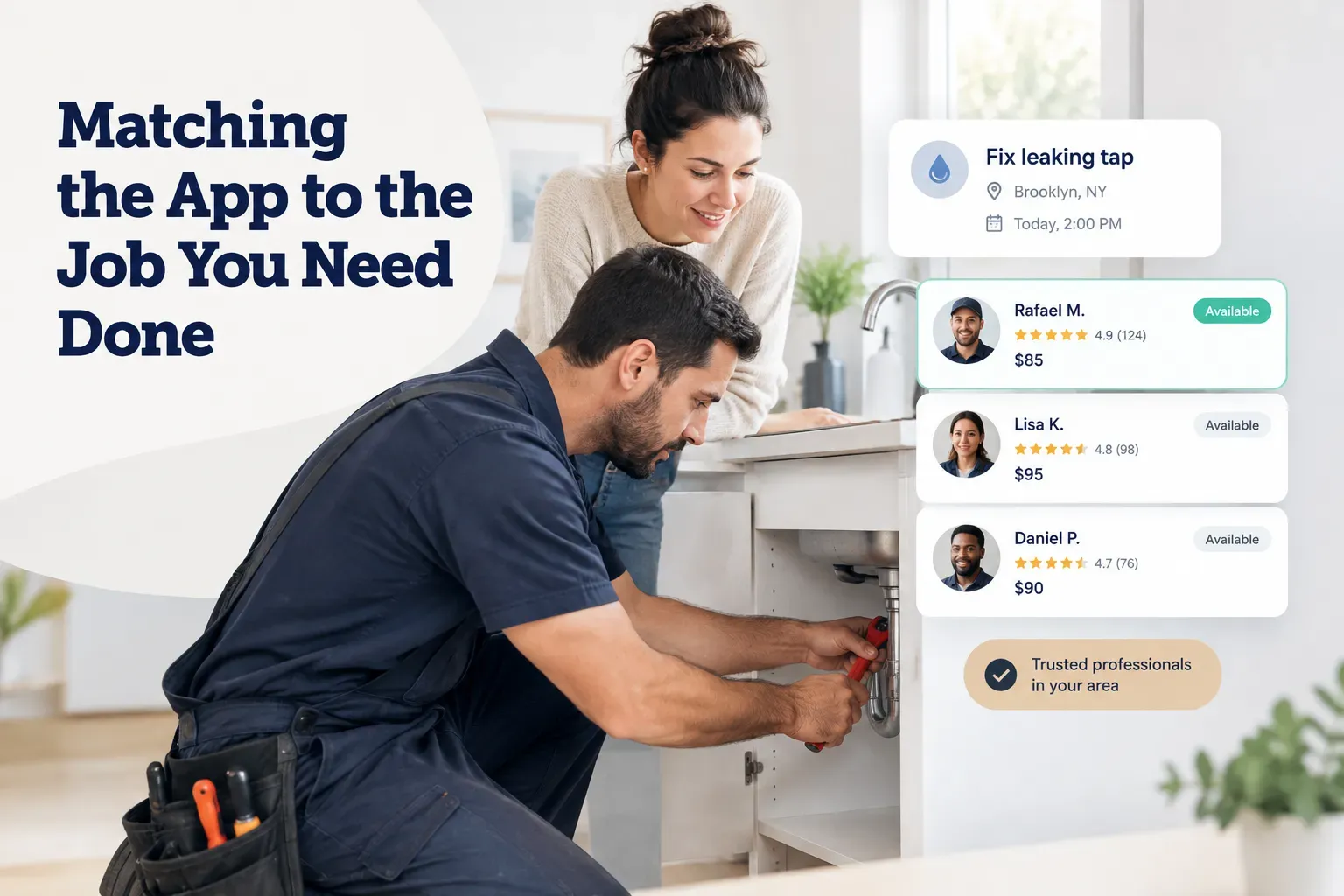
The most common hiring mistake isn’t picking a bad app. It’s picking a good app built for a different kind of job.
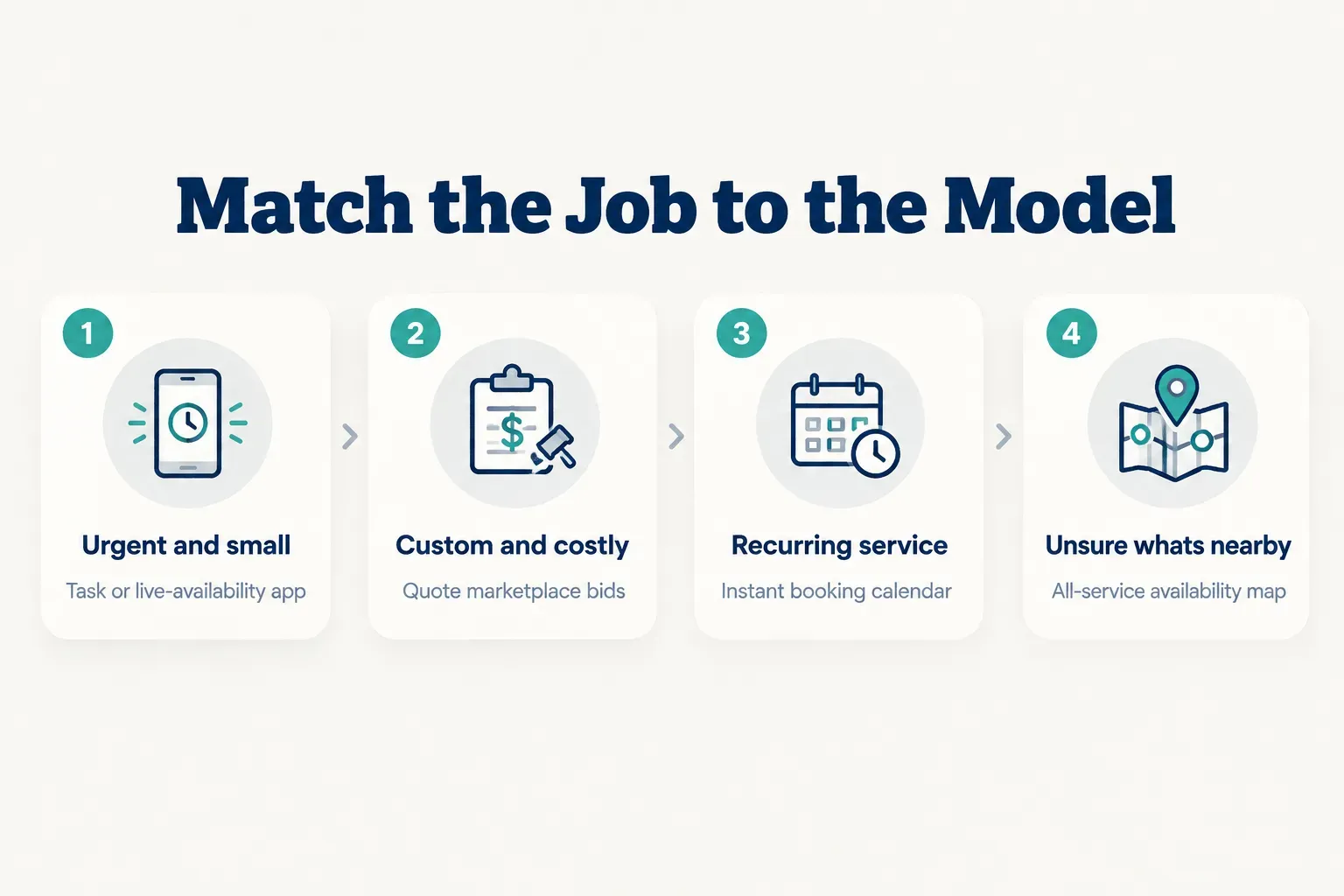
A quick decision tree
Four questions get you to the right model fast.
Is it urgent and small? A same-day task platform or a live-availability app. You need a body with tools in the next few hours, not three bids by Thursday.
Is it custom and expensive? Quote marketplace. Anything over roughly $2,000 with variable scope deserves competing bids and a site visit.
Is it recurring and standardized? Instant booking. Weekly cleaning, biweekly lawn care, monthly pest treatment. You want a calendar, a saved provider, and a booking history.
Do you just want to know who’s free nearby right now? An all-service platform with real-time availability. This is the “I don’t know what I need yet” scenario.
Beyond home repairs
Most “Thumbtack alternative” lists are really home-improvement lists. That’s a blind spot, because home repair is a minority of what people actually hire for.
Cleaning, lawn care, moving help, and general handyman work usually fit instant-booking or task apps better than quote marketplaces. The pricing is standardized enough that bidding just adds delay. You don’t need four estimates to get a two-bedroom cleaned.
Then there’s everything outside the house entirely. Beauty and barbering. Tutoring and test prep. Photography. Event planning and catering. Pet sitting, dog walking, grooming. Personal training, physiotherapy, wellness. Auto detailing and mobile mechanics.
These categories have huge demand and almost no representation in the standard alternatives roundup. If you’re hiring a math tutor, a list of roofing marketplaces is useless.
When one app covers everything
Service area coverage is the thing people check last and regret first. A platform with 400 active pros in Chicago might have eleven in Boise, and the app interface looks identical in both cities.
Before you rely on any marketplace, search your actual postal code and count live providers in your actual category. If fewer than five come back, the app will quietly fail you at the worst moment.
Frendex is worth knowing as an example of the all-service model: a live availability map covering 10 categories and 100+ professions, from home repair and cleaning to beauty, tutoring, wellness, and pet care. The pitch is simple. One app instead of a different download per service type, with availability visible before you message anyone.
It is not, however, a quote-bidding tool. If you’re soliciting structured competing bids for a full kitchen gut, a dedicated quote marketplace is the better fit. Use the model that matches the job.
Vetting a provider before you hire
A five-star rating is not a background check. A background check is not a license. A license is not insurance. Platforms blur these constantly, and that blur is where most hiring disasters begin.
Reading reviews like a pro
Verified reviews are only useful if you know what to look at. Rating averages are the least informative number on the page.
- Recency beats volume. Forty reviews from 2021 and none since tells you a business changed hands, changed staff, or stopped caring. Weight the last six months heavily.
- Calibrate volume to job type. A house cleaner with 300 reviews is normal. A structural engineer with 300 reviews is suspicious. Low-frequency, high-value trades naturally have fewer.
- Check category relevance. A handyman with glowing reviews for shelf installation tells you nothing about their electrical work. Read the reviews that match your job.
- Look for verified-transaction badges. Reviews tied to a real booking inside the platform are far harder to fake than open-submission text.
- Read the responses to bad reviews. A calm, specific reply to a two-star complaint is a better signal than any five-star rave. Defensive or insulting replies predict exactly how a dispute will go.
- Red flag: clustered generic praise. Eight five-star reviews in one week, all under fifteen words, all saying “great work highly recommend.” That’s a purchased batch.
Licenses, insurance, and background checks are not the same
These are five separate verifications, and a platform badge usually covers one.
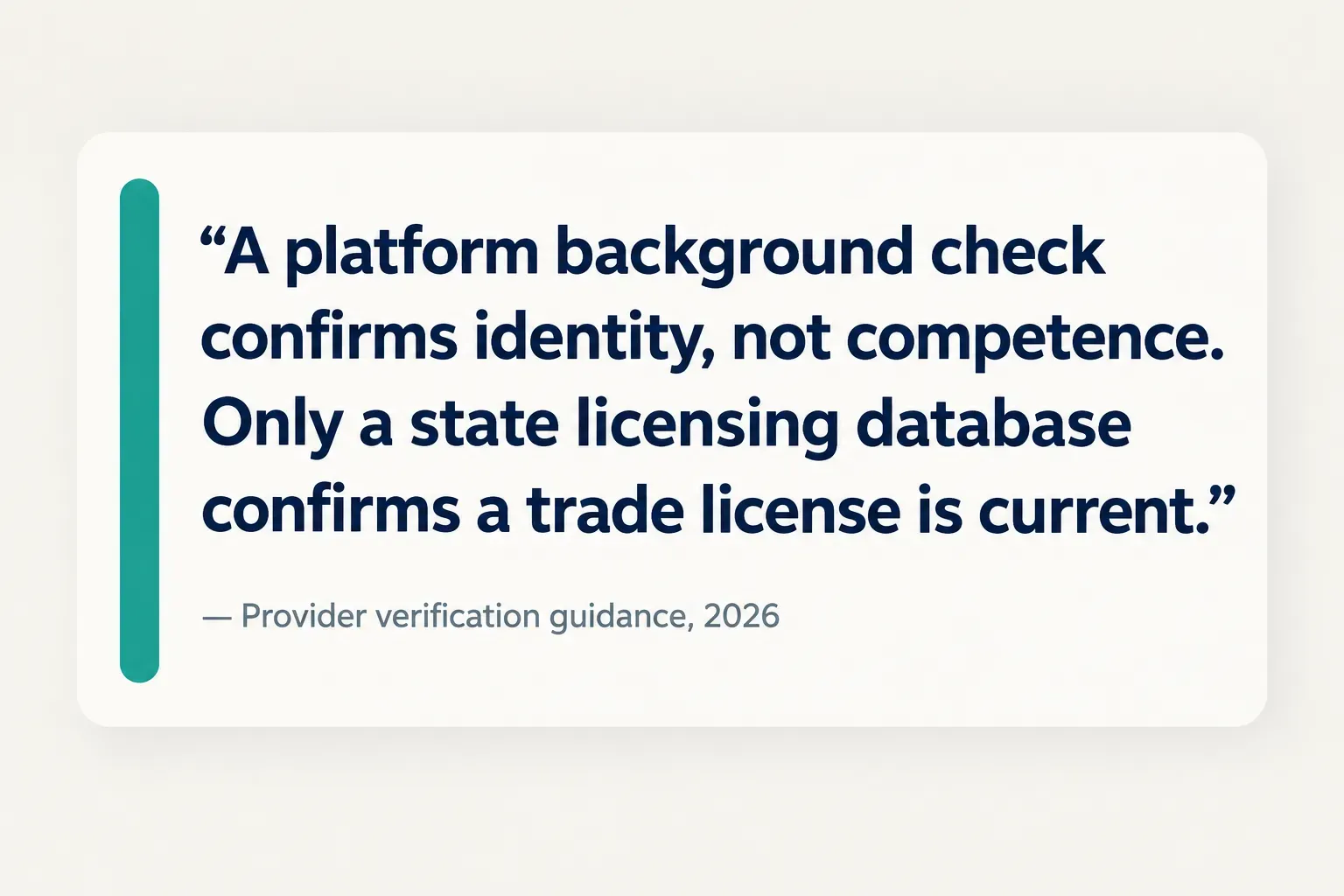
- Criminal background check: Confirms identity and searches criminal records. Says nothing about skill, licensing, or whether they’ll damage your floor.
- License verification: Confirms the trade license is real, current, and in the right class. Check it yourself through your state or municipal licensing database. It takes two minutes and it’s the single highest-value step in this whole guide.
- Insurance proof: General liability covers damage to your property. Workers’ comp covers injury to their crew on your property. Ask for a certificate of insurance listing you, not a photo of a card.
- Trade credentials: Certifications from manufacturers or trade bodies. Nice signal, legally meaningless on their own.
- Permit history: Public records showing whether they actually pull permits. A contractor who suggests skipping the permit is telling you something important about themselves.
Provider verification on a platform is a filter, not a guarantee. Treat every badge as a starting point.
Protecting yourself with estimates and payments
Get it in writing. Every single time, even for the small stuff.
A usable written service agreement or estimate should include all of the following before you commit.
- Scope of work in specifics. “Repair bathroom” is not a scope. “Replace wax ring, reset toilet, seal base” is.
- Materials named by brand, model, and grade. Vague material lines are where substitutions and cost creep live.
- Timeline with start and completion dates, plus how change orders get priced and approved in writing.
- Deposit amount. A reasonable deposit covers materials, typically 10% to 30%. Full payment upfront is a hard no.
- Cancellation and rescheduling policy, including any fee windows.
- Warranty terms on both labor and parts, with the duration stated in months or years.
- Accepted payment methods. Credit card or in-app payment gives you recourse. Wire transfers, gift cards, cash apps, and crypto give you none. If someone insists on an irreversible method, walk.
After the match, the paper trail matters as much as the contract. Keep in-app messaging instead of moving to personal text. Photograph the site before work starts and after it finishes.
Track appointment status in the platform, keep receipts attached to the booking, and log any verbal change as a written message. If dispute resolution ever kicks in, the side with timestamped records wins. Almost always.
Pick the model first, then the app
The entire decision compresses into one line: match urgency and job complexity to the marketplace model before you compare app names.
Three rules cover nearly every scenario. If the job needs a custom bid, use a quote marketplace and expect a few days. If you need someone today, use a task app or a live-availability platform. If it’s recurring, prioritize built-in scheduling, saved providers, and a visible booking history.
And check provider counts in your own area before you trust any of them. A marketplace that dominates one metro can be a ghost town twenty miles out.
One last thing that doesn’t change no matter what you download: verify licensing and insurance yourself. A platform badge is a filter, not proof. Two minutes in a state licensing database has saved more homeowners than any five-star rating ever has.
Frequently asked questions
What is the best alternative to Thumbtack?
There isn't one best alternative, because Thumbtack itself only serves one model well. For custom project bidding, Angi and Porch are the closest direct comparisons. For same-day hourly help, a task app is a better fit, and for recurring standardized services, an instant-booking app will save you days of back-and-forth. Pick your model first: quote, booking, task, or availability map. The app name follows from that.
Is there a cheaper app than Thumbtack?
Yes, and the savings depend on which side you're on. For providers, flat-subscription platforms and free service provider directories are usually cheaper long-term than pay-per-lead, because subscription costs stay fixed while lead spend scales with every inquiry you don't win. For customers, cheaper provider acquisition tends to show up as lower quotes. A pro paying $200 in customer acquisition cost per won job has to recover it somewhere.
What apps are similar to Thumbtack for contractors?
Angi, Porch, Houzz, Networx, and Bark all operate lead-based or commission-based marketplace models aimed at contractors. Each sells contact information for homeowners who submitted a project request, often to several contractors at once. Before committing budget, ask for the average lead price in your category and your expected close rate. If that math produces an acquisition cost above 15% of your average job value, a flat-subscription listing or a directory presence will probably serve you better.
Is TaskRabbit better than Thumbtack?
Neither is better; they solve different problems. TaskRabbit is built for task-based, hourly, same-day work like furniture assembly, hauling, and mounting, with pricing shown by the hour. Thumbtack is built for quote-based project work where pros bid on a described job. Use TaskRabbit when you know exactly what needs doing and it takes under a day. Use Thumbtack when you need competing estimates on something complex.
What is the best app to find local service providers?
The best app is the one with the most active providers in your postal code and your category, which varies dramatically by market. Service area coverage is the deciding factor, and no national ranking can tell you what's true on your street. If you hire across many categories, an all-service platform with a live availability map reduces app clutter. If you hire the same service repeatedly, a category-specialist app with saved scheduling and booking history usually delivers a smoother experience.
How do I find reliable people for odd jobs near me?
Reliability comes from verification, not from the app's logo. Filter for providers with recent reviews in your specific job category, check that the review count makes sense for the trade, and read how they respond to criticism. Then confirm licensing through your state database directly, request a certificate of insurance for anything involving tools or ladders, and get scope and price in writing before work begins. Keep messaging and payment inside the platform so you have records if the job goes sideways.
Need a hand with something?
The Frendex map shows you who is available near you, in real time.
Get the app free Get the app freeFree, no card needed
Related articles

Do you tip contractors? A clear answer for homeowners
No, tipping contractors isn't required. Get the 4-factor rule to decide when it's worth it and how much makes sense for your project.
How to hire a contractor without getting burned
A step-by-step process for vetting bids, licenses, and contracts, plus the one paper trail habit most homeowners skip until it costs them.
How does TaskRabbit actually work?
See exactly how TaskRabbit's booking flow, real fees, and cancellation rules work in 2026, plus why Taskers set their own rates. No surprises at checkout.